
CounterFlame Arsenal Pass: what it is and how to buy
Updated: · 2 min
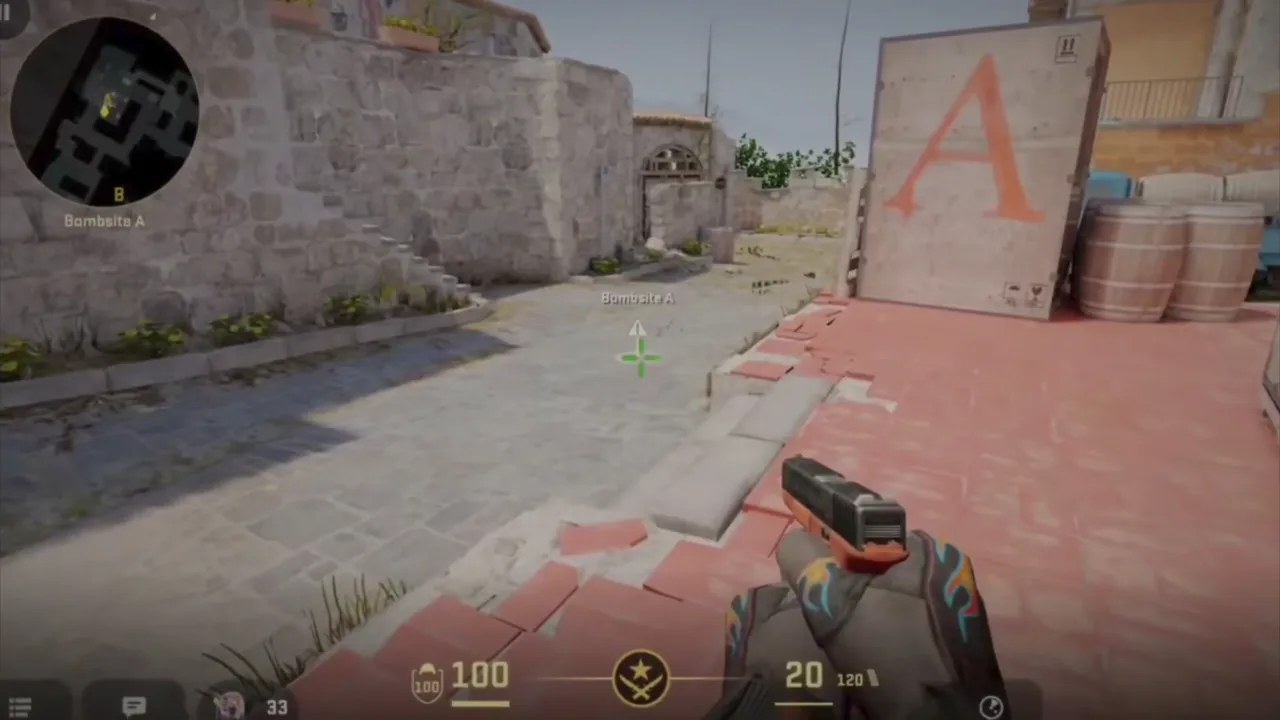
Each ticket raises the weapon arsenal limit by +40.
Rules
Up to five tickets, bought in order. Don't know your number? Tap «Buy next ticket» in the bot and it works it out.
How to buy
- Open the Telegram bot @csflameapp → «🪙 Top-up».
- Pick a section and item (coins, Wildfire, Arsenal Pass, battle pass).
- Send your game ID (in game: Profile → ID) — no password needed.
- Choose a currency: UZS (Uzcard / Humo), tenge, Kyrgyz som, rubles or USDT — and send the receipt.
- Within 5–30 minutes it is on your account — the bot will message you.
What the Arsenal Pass is for
The arsenal limit caps how many weapons you can keep in your collection. Each ticket raises it by +40 and there are five of them — up to +200 extra slots. It is for people who collect many skins and do not want to sell them to free up space.
How to find your ticket number
Not sure which ticket you already have? Tap «Buy next ticket» in the bot and send your game ID — the bot checks the account and sets up the right number.
Payment
The price depends on the ticket number and rises toward the last one. You can pay in UZS (Uzcard / Humo), tenge, som, rubles or USDT — pick the currency in the bot. No password needed.
FAQ
How many tickets can I buy?
Up to five.
Do you need my password?
No, only the game ID.
Can I buy ticket #5 right away?
No, only in order — the bot shows the next one itself.
Read next
ESign: not working for everyone yet
What is CounterFlame — full review
How to install CounterFlame on iPhone
Comments
- No comments yet.