
How to pay for CounterFlame on iPhone
Updated: · 3 min
Payment happens right in the bot: you pick your country and currency, and the bot shows the price and details. Here is how it works for each currency.
70+people installed it
1–10 mincertificate ready
1 yearno reinstall needed
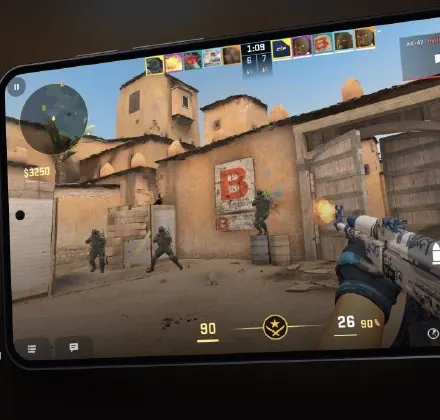
Pick a currency in the bot
- Uzbekistan — UZS, Uzcard or Humo card.
- Russia — rubles: the YooMoney button (confirms itself) or a card transfer.
- Kazakhstan — tenge to a Visa card via Kaspi or Halyk.
- Kyrgyzstan — som to a Visa card.
- Other countries — USDT or USD (crypto).
How paying works
- Choose a currency — the bot shows the price and details.
- Transfer the exact amount (in UZS it may differ by a couple of thousand — that is how we match your payment).
- Send a receipt screenshot if the payment does not confirm itself.
- Once confirmed the bot starts issuing the certificate right away — 1–10 minutes.
Pay exactly the amount the bot shows. It speeds up automatic confirmation.
If you can't pay
Transfer not going through or no suitable card? Choose another currency or message the operator in the bot — we will suggest a way.
Only take payment details from the bot. Do not send money via links from chats or from «operators» outside the bot.
After payment
If your phone is not connected yet, the bot asks you to open the profile in Safari — a one-time step for the UDID. Then it sends the certificate and the game file.
FAQ
Can I pay in rubles from Kazakhstan or Uzbekistan?
You choose the currency — what matters is that you have a way to transfer in it.
How long until it is confirmed?
Usually 1–2 minutes when the payment is picked up automatically; by receipt a little longer.
Read next
ESign: not working for everyone yet
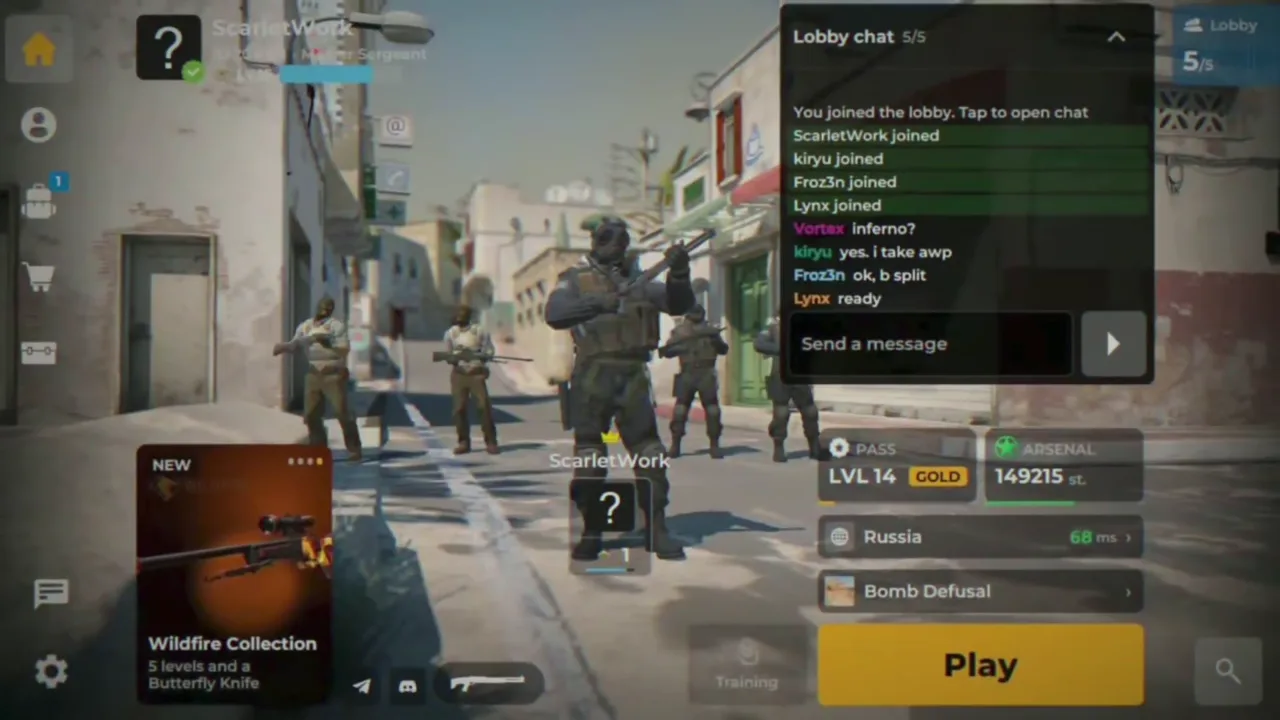
What is CounterFlame — full review
How to install CounterFlame on iPhone
Comments
- No comments yet.