
CounterFlame Wildfire: levels and how to buy
Updated: · 3 min
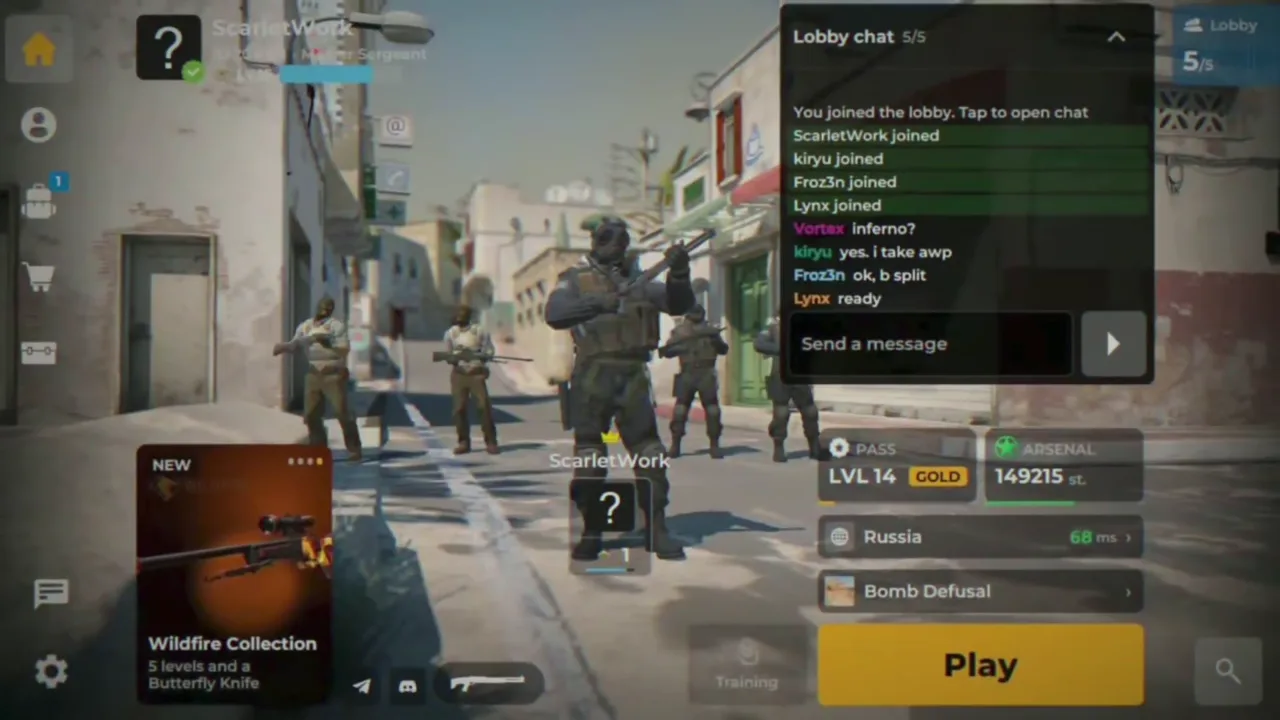
Wildfire is a 5-level set: skins and three exclusive medals.
How levels are bought
Levels are bought strictly in order: 1 first, then 2, up to 5. For a new account (0 levels) the «Full collection» is cheaper than five separate purchases.
How to buy
- Open the Telegram bot @csflameapp → «🪙 Top-up».
- Pick a section and item (coins, Wildfire, Arsenal Pass, battle pass).
- Send your game ID (in game: Profile → ID) — no password needed.
- Choose a currency: UZS (Uzcard / Humo), tenge, Kyrgyz som, rubles or USDT — and send the receipt.
- Within 5–30 minutes it is on your account — the bot will message you.
Don't know your level?
Tap «Buy next level» in the bot — it checks your account by ID and sets up the right item.
What's inside Wildfire
Wildfire is a five-level collection. Levels give you skins and three exclusive medals you cannot get any other way. Levels escalate: each next one is more valuable and more expensive than the last.
Single levels or the full collection
- The full collection is better value if you have 0 levels and want all five at once.
- Single levels fit when some are already bought and you only need the missing ones.
Payment and timing
You can pay in UZS, tenge, som, rubles or USDT. After payment the levels reach your account within 5–30 minutes and the bot messages you when it is done.
FAQ
Can I skip a level?
No, only in order.
Do you need my password?
No, only the game ID.
What if a level is already bought?
The bot checks the account by ID and will not set up extras — it offers the next level.
Read next
ESign: not working for everyone yet
What is CounterFlame — full review
How to install CounterFlame on iPhone
Comments
- No comments yet.