
Is it safe to install CounterFlame on iPhone
Updated: · 3 min
The game is not in the App Store, so installing looks unusual: a profile, a UDID, an IPA file. Here is what is safe and where you can actually lose an account.
What a UDID is and why it is needed
A UDID is a unique number of your iPhone. The certificate is signed for exactly that number, so without it the game cannot run on your phone. The number gives no access to passwords, photos or banking apps — you cannot sign in to your Apple ID with it.
What the Safari profile does
The bot sends a button: it opens Safari and you tap «Allow» and «Install». The profile only shows the bot your UDID — it installs nothing and cannot see your data. You can delete it right after: Settings → General → VPN & Device Management.
Where the real risk is
- Downloading the IPA from chats and «mirrors»: the file can be swapped. Take the game only from the bot.
- Requests to enter an Apple ID password or an SMS code — real sellers never ask for them.
- Shared free certificates: they are revoked often and the game stops opening.
How we do it
The certificate is issued for your UDID, the game file arrives in Telegram, and the LCSign or GBox app on your phone signs it. No passwords — only the UDID. If anything is unclear, the bot has a video guide and a live operator.
FAQ
Can I delete the profile after installing?
Yes, right after the UDID is received: Settings → General → VPN & Device Management.
Do I need an Apple ID password?
No. Only the device UDID is needed.
What if the certificate is revoked?
The game stops opening. A personal one-year certificate is revoked far less often than shared ones; message the bot if it happens.
Read next
ESign: not working for everyone yet
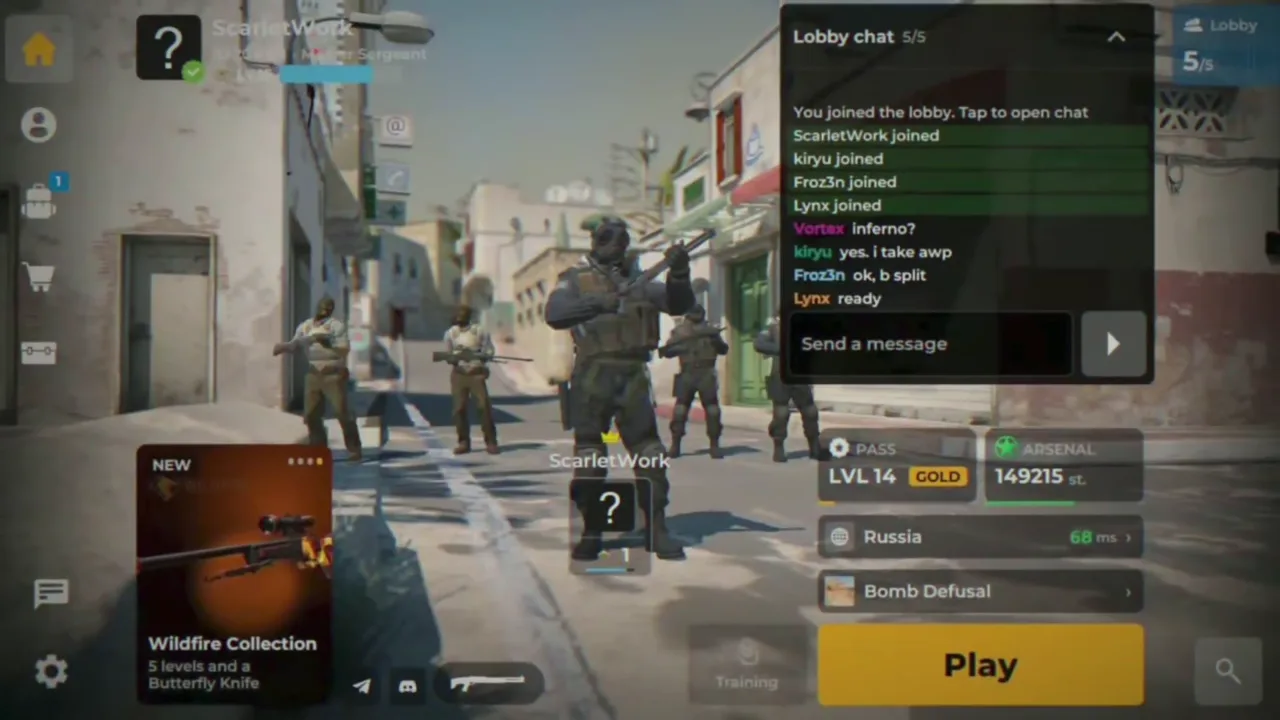
What is CounterFlame — full review

How to install CounterFlame on iPhone
Comments
- No comments yet.